
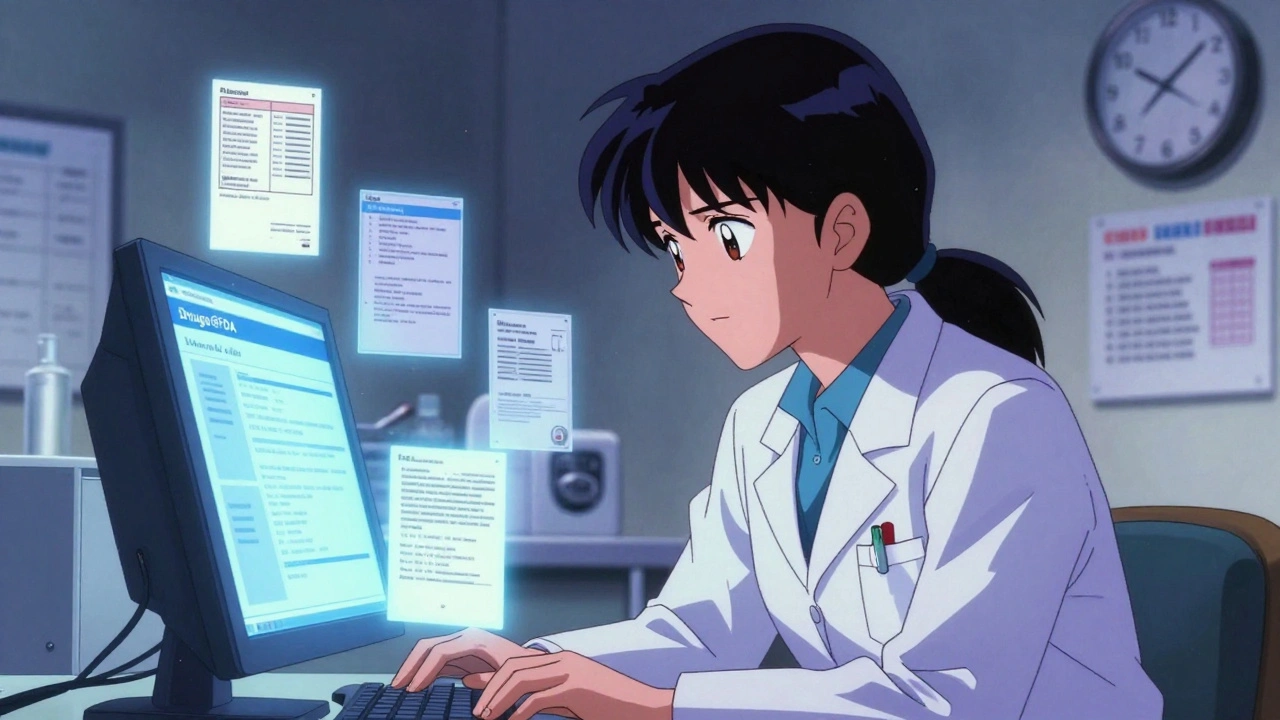
Drugs@FDA Search Result Simulator
Search Results Preview
Important Limitations
Using the A-Z index will only show drugs where your term is the only active ingredient. For example:
Searching for "lisinopril" in the A-Z index will not show combination drugs like Zestoretic (lisinopril + hydrochlorothiazide).
Always use the main search box for complete results.
What You Won't Find
Drugs@FDA does not include:
- Animal drugs or veterinary medications
- Over-the-counter monograph drugs
- Real-time pricing or pharmacy availability
- Section-by-section label searches for specific side effects
Want to find out when a drug was approved by the FDA, who made it, or what the official prescribing information says? You don’t need to call the agency or dig through PDFs. The Drugs@FDA database is free, public, and built for exactly this. Whether you’re a pharmacist checking a patient’s medication, a researcher reviewing approval history, or just someone trying to understand what’s in your prescription, this tool gives you direct access to official FDA records-no login, no fee, no hassle.
What Is Drugs@FDA and Why Does It Matter?
| Feature | Details |
|---|---|
| Coverage | Drugs approved since 1939; full documentation for those approved since 1998 |
| Documents Included | Prescribing labels, approval letters, FDA review summaries, patient guides, correspondence |
| Searchable By | Brand name, generic name, active ingredient, application number (NDA/ANDA/BLA) |
| Updates | Daily |
| Access | Free, no registration, works on any browser |
Drugs@FDA isn’t just a list of approved drugs. It’s the FDA’s official archive of regulatory paperwork. For every drug approved since 1998, you can see the exact documents the FDA reviewed before giving approval-medical evaluations, pharmacology reports, even emails between the agency and the drug company. For older drugs, you’ll get basic approval info and labels. This level of transparency is rare in global health systems.
It’s not the only FDA drug database. The Orange Book tells you which generics are therapeutically equivalent. FDALabel lets you search inside the text of prescribing information for things like "black box warnings" or "side effects." The Purple Book covers biologics like insulin or monoclonal antibodies. But Drugs@FDA is the starting point for almost every drug inquiry because it ties everything together: approval date, who applied, what’s in the drug, and what the FDA said about it.
How to Search Drugs@FDA: The Two Main Ways
There are two ways to search Drugs@FDA-and only one of them gives you full results.
1. Use the Homepage Search Box (Recommended)
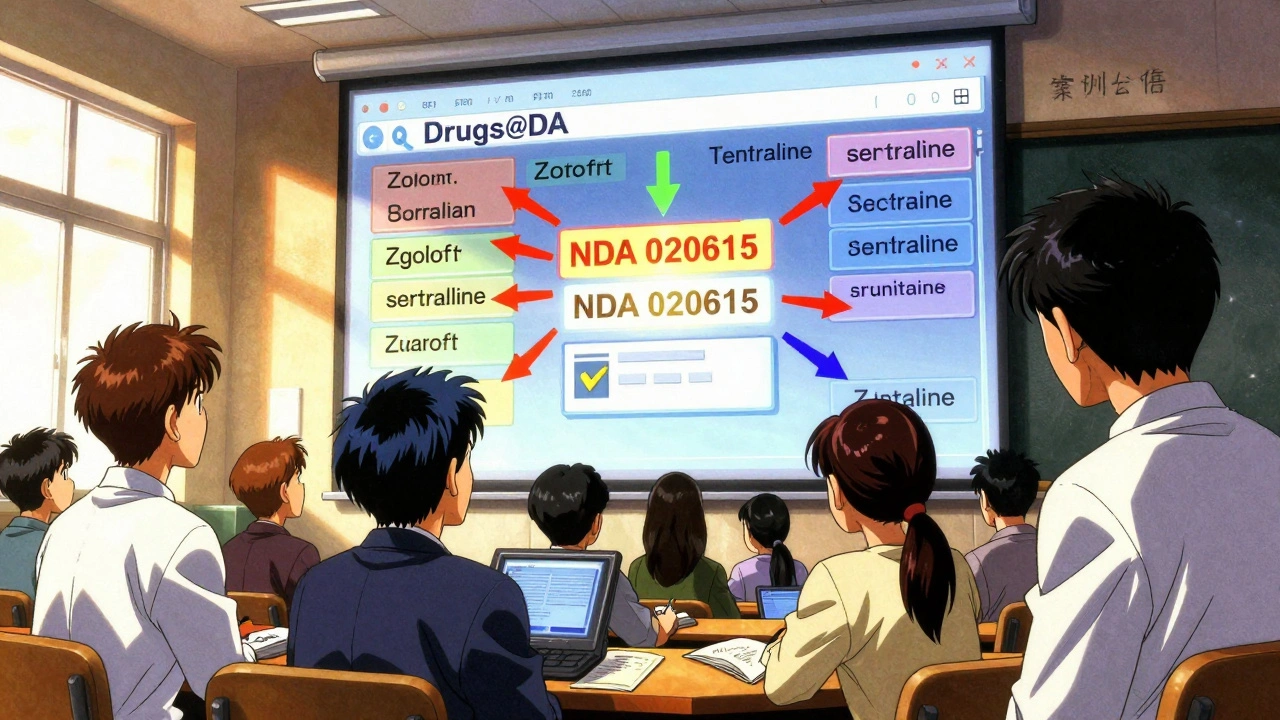
This is the fastest, most reliable method. Go to www.accessdata.fda.gov/scripts/cder/daf/ (the official Drugs@FDA site). In the big search box at the top, type:
- A brand name like Zoloft
- A generic name like sertraline
- An active ingredient like lisinopril
- An application number like NDA 020615
Hit Enter. Within seconds, you’ll see a list of matching drugs. Each result shows:
- Brand name and generic name
- Active ingredient(s)
- Applicant (company)
- Approval date
- Therapeutic equivalence code (if applicable)
Click on any drug to open its full record. Here you’ll find downloadable PDFs of:
- Full prescribing information (the official label)
- Patient Medication Guides
- Approval letters from the FDA
- Review summaries by FDA medical officers
- Correspondence between FDA and the manufacturer
This is the gold standard for verifying a drug’s history. If you need to know when a drug first hit the market, or if a generic version was approved, this is where you’ll find it.
2. Use the A-Z Index (Use With Caution)
At the bottom of the homepage, there’s an A-Z index labeled "Drug Name." It looks helpful-but it’s misleading.
Searching for lisinopril in the A-Z index will only return products where lisinopril is the only active ingredient. It won’t show:
- Brand names like Prinivil or Zestril
- Combination drugs like Zestoretic (lisinopril + hydrochlorothiazide)
- Any drug with multiple ingredients
That’s a huge gap. If you rely on the A-Z index alone, you’ll miss most of the drugs you’re looking for. The FDA’s own training materials warn users about this limitation. Always use the main search box first.
What You Won’t Find in Drugs@FDA
Drugs@FDA is powerful-but it’s not perfect. Here’s what’s missing:
- Animal drugs-those are in a separate database called Animal Drugs@FDA.
- Over-the-counter (OTC) monograph drugs-those approved under general rules, not individual applications.
- Detailed patent information-for that, use the Orange Book.
- Section-by-section label searches-like finding all mentions of "dizziness" in prescribing info. Use FDALabel for that.
- Real-time pricing or availability-this is regulatory data, not a pharmacy inventory.
If you’re trying to figure out if a generic version is interchangeable with a brand, check the Orange Book. If you need to search for all drugs with a specific side effect in the label, use FDALabel. Drugs@FDA gives you the approval story. Other tools give you the fine print.
Real-World Use Cases
Here’s how people actually use Drugs@FDA:
- Pharmacists verify if a drug was approved before dispensing an unusual prescription. One pharmacist told the FDA, "I used to call them. Now I just search Drugs@FDA. It saves me 15 minutes every time."
- Doctors check approval dates when a patient reports a new medication. If a drug was approved last year, they know it has less long-term data.
- Researchers track how long it took a drug to get approved after submission. Some drugs took 3 years; others took 8. Drugs@FDA shows the timeline.
- Patients look up their medication to read the official label instead of relying on vague internet summaries. They see exactly what the FDA reviewed.
- Students and educators use it to teach drug development, regulatory science, and evidence-based medicine.
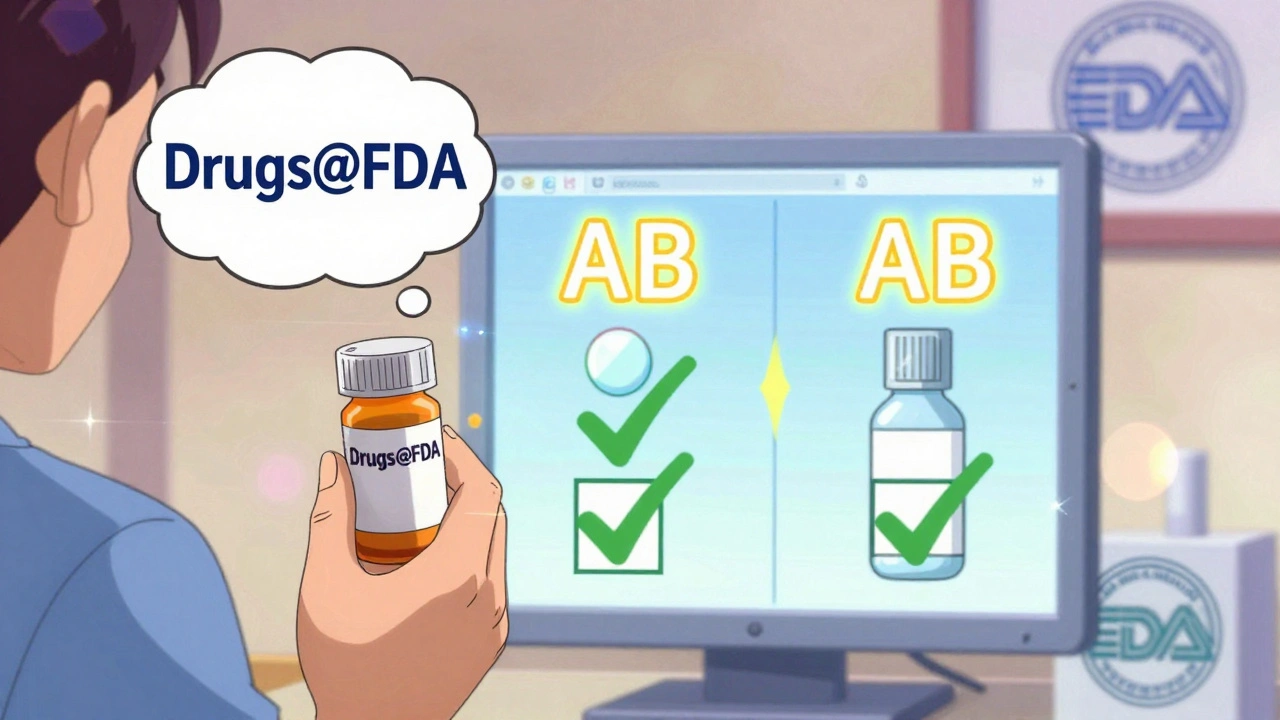
One common scenario: A patient asks, "Is this generic version as good as the brand?" You open Drugs@FDA, find both the brand and generic, check their approval dates, and see if they have the same therapeutic equivalence code. Then you check the Orange Book to confirm they’re rated AB-meaning they’re considered interchangeable. That’s the full picture.
Pro Tips for Better Searches
- Use the generic name-it’s more consistent than brand names, which change over time.
- Try partial names-searching for "lisin" will still return lisinopril.
- For combination drugs, search by one active ingredient. If you’re looking for Zestoretic, search for "lisinopril"-it will appear in the results.
- Copy and paste application numbers if you have them. NDA 020615 is faster than typing "Zoloft".
- Bookmark the site-it’s the most reliable source for official FDA drug data.
What’s Next? Other FDA Resources to Know
Once you’re comfortable with Drugs@FDA, expand your toolkit:
- FDALabel - Search inside the full text of drug labels for specific symptoms, warnings, or dosing info.
- Orange Book - Find therapeutic equivalence codes and patent/exclusivity data for generics.
- Purple Book - For biologics: insulin, vaccines, monoclonal antibodies.
- Animal Drugs@FDA - For veterinary medications.
These tools work together. Drugs@FDA tells you if and when a drug was approved. The Orange Book tells you if a generic is interchangeable. FDALabel tells you what the risks and instructions are. Mastering all four gives you complete regulatory insight.
Final Thoughts
Drugs@FDA is not flashy. It doesn’t have fancy filters or interactive charts. But it’s the most trusted source for official FDA drug approval records. It’s been used by thousands of healthcare professionals every day since the late 1990s. And it’s free.
If you need to know the truth about a drug’s approval history, this is where you go. No third-party blogs. No pharmacy websites. No marketing pages. Just the FDA’s own documents. That’s power.
Start with the search box. Ignore the A-Z index. Save the results. Bookmark the site. And next time someone asks you about a drug’s approval date or label, you’ll know exactly where to look.
Is Drugs@FDA free to use?
Yes, Drugs@FDA is completely free and requires no registration. Anyone can access it from any device with an internet connection.
Can I find generic drugs in Drugs@FDA?
Yes. Both brand-name and generic drugs are listed. Search by the active ingredient (e.g., "ibuprofen") to see all versions, including generics like Advil or store brands.
Why doesn’t my drug show up in Drugs@FDA?
Your drug may be an over-the-counter product approved under an OTC monograph, a veterinary drug, or a product approved outside the U.S. Drugs@FDA only includes human drugs approved by the FDA through NDA, ANDA, or BLA applications.
How often is Drugs@FDA updated?
The database is updated daily with new approvals, label changes, and other regulatory actions. If a drug was approved today, it should appear in the database within 24 hours.
Can I download drug labels from Drugs@FDA?
Yes. Every drug record includes downloadable PDFs of the official prescribing information, patient guides, and FDA review documents. These are the same documents used by the FDA in its approval process.
Is Drugs@FDA the same as DailyMed?
No. DailyMed provides the official drug labels in a standardized format for healthcare systems. Drugs@FDA provides the full regulatory history, including approval letters and review documents that lead to those labels. DailyMed pulls its label data from Drugs@FDA and other sources.
Do I need to know the application number to search?
No. You can search by brand name, generic name, or active ingredient. Application numbers (like NDA 020615) are helpful if you have them, but they’re not required.
If you’re a healthcare provider, researcher, or just someone who wants to understand what’s in your medicine, Drugs@FDA is the most direct path to official FDA data. No intermediaries. No guesswork. Just the facts.
patrick sui
December 2, 2025 AT 05:01Just used Drugs@FDA to verify a generic switch for a patient on sertraline-found the original NDA, the review summary, and even the FDA’s internal email about the bioequivalence threshold. This is the kind of transparency that makes U.S. regulatory science globally respected. 🤓
Conor Forde
December 2, 2025 AT 19:44Y’ALL ARE ACTING LIKE THIS IS THE SECOND COMING OF JESUS. It’s a database. A clunky, 90s-looking one at that. I’ve seen better UIs on a 2007 Nokia. And don’t get me started on how they still use PDFs like it’s 2003. 😭
Declan O Reilly
December 3, 2025 AT 23:34There’s something deeply poetic about how this database exists-not for profit, not for hype, but just… to tell the truth. In a world where pharma ads whisper lies in your ear at 2 a.m., this is the quiet voice that says, ‘Here’s what really happened.’ No filter. No spin. Just the FDA’s paper trail. That’s radical, honestly.
Patrick Smyth
December 4, 2025 AT 17:59I am deeply concerned about the lack of oversight in how this database is maintained. Who is responsible for the integrity of these documents? What if someone alters an approval letter? Have you considered the possibility of foreign interference? I’ve seen things.
Linda Migdal
December 5, 2025 AT 02:31Finally, a tool that proves the FDA isn’t just a bunch of bureaucrats taking bribes. America still leads the world in regulatory transparency. If you’re not using Drugs@FDA, you’re not doing your job. Period.
Tommy Walton
December 6, 2025 AT 02:07Drugs@FDA is the OG of pharma transparency. 🚀 No cap. The fact that you can read FDA’s internal emails? That’s next-level. I’m printing mine out and framing it. #RegulatoryPorn
James Steele
December 6, 2025 AT 07:49While the interface is undeniably archaic, the metadata richness of Drugs@FDA is a masterclass in regulatory documentation. The inclusion of correspondence between sponsors and the agency offers unparalleled insight into the risk-benefit calculus underpinning approval decisions. One must appreciate the epistemic rigor.
Louise Girvan
December 7, 2025 AT 04:43Wait. This is free? No ads? No tracking? NO LOGIN? This is a trap. The FDA is harvesting our DNA through the search bar. They already know what drugs we’re looking up. They’re building a database of sick people. I’m done.
soorya Raju
December 7, 2025 AT 11:01They say this is open but i bet you can only search if you have a us ip address. and what if you type in a drug that was approved during the bush admin? i bet those records got erased. they dont want you to know how many drugs were rushed through for oil money. 🤫
Irving Steinberg
December 9, 2025 AT 03:21Why do we even need this? Just ask your pharmacist. They know everything. This is overkill. I’m just here to get my pills.
Lydia Zhang
December 10, 2025 AT 10:44Useful. Bookmarking.
Kay Lam
December 10, 2025 AT 11:08I’ve been teaching medical students for over 20 years and I can’t tell you how many times I’ve had to explain that the internet isn’t a substitute for primary regulatory sources. Drugs@FDA is the gold standard-not because it’s flashy, but because it’s real. I make my students print out a full approval package before they can even write their first case report. It teaches them humility, precision, and respect for evidence. If you’re not using this, you’re not learning-you’re just consuming noise.
Adrian Barnes
December 12, 2025 AT 10:10While the database itself is technically accurate, its continued existence represents a systemic failure of modern public health infrastructure. The fact that a healthcare professional must manually parse 300-page PDFs to determine therapeutic equivalence in 2024 is not transparency-it is bureaucratic negligence. The FDA has the resources to build a modern API, yet chooses to maintain a legacy system that favors those with technical literacy over patients and frontline clinicians. This is not access. It is exclusion disguised as openness.